OBS

2 notes

The GyunGyun×Create logo
StreamingOBSWindowsAI

Launching all your streaming tools at once with a batch file

Do you start OBS, your comment reader, your auto-translator and other tools one by one every time you stream? This guide walks through using a Windows batch file to launch the tools you need with a single double-click.
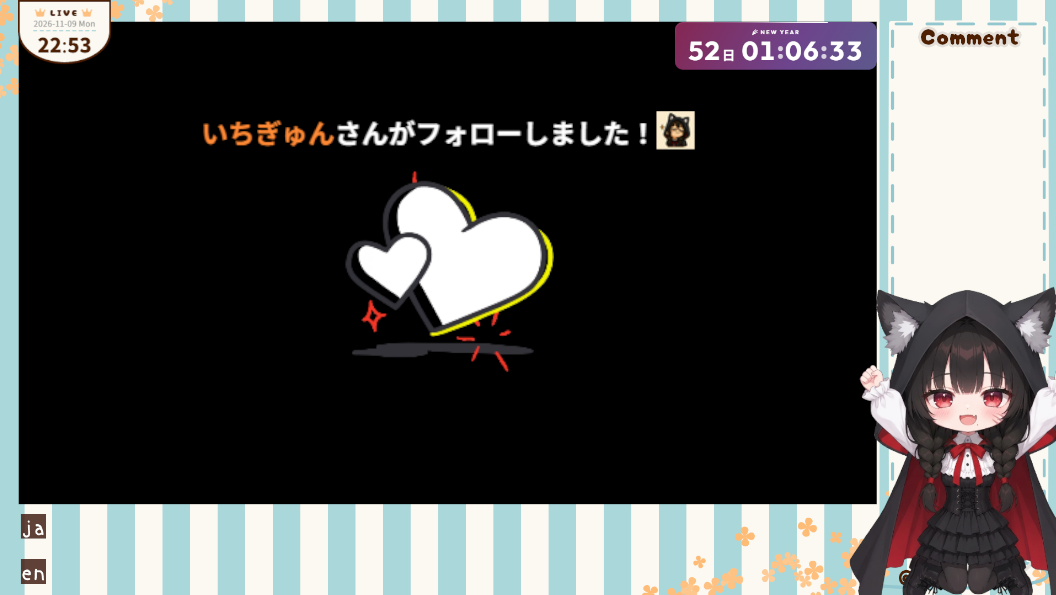
An OBS stream screen. A follow notification with a heart animation in the center, and the avatar cheering with both hands up at the bottom right

Switching a PNGTuber's expression on Twitch notifications

How to make a PNGTuber built with Peraravatar+ automatically switch to a chosen custom expression when you get a Twitch follow.

← All notes